
Resource Guide
The Ultimate Guide
to Digital Printing
Everything you need to know before your next print order.
From paper stock and weight to coatings and finishing, this guide will help you choose the right materials for your business cards, flyers, brochures, and more.

What Is Digital Printing?
Digital printing sends your design straight from a digital file to paper — no printing plates required. That means faster turnaround and no minimum order size, without sacrificing the color and quality you'd expect from traditional offset printing.
Perfect for:
Choosing the Right Paper Stock
Gloss Text/Book
A shiny, reflective coating that makes photos and colors pop. The go-to for flyers, postcards, and brochures.
Matte/Uncoated Text
A smooth, non-reflective finish with an elegant, paper-like feel. Easy to write on and great for text-heavy pieces.
Cardstock/Cover
A thicker, more rigid stock built to hold up to handling. The standard for business cards and postcards.
Specialty Stock
Linen, pearl, and other textured papers that add a premium, tactile finish to your branding.
Point vs Pound
Pound (#)
Pound (# or lb) measures the weight of a full ream — 500 sheets — at a paper's standard size. Because that baseline changes by category, the same number means a different thickness for text, cover, or index stock.
Best for:
- Flyers & brochures
- Letterhead
- Envelopes
Point (pt)
Point (pt) measures the actual thickness of a single sheet, where 1 pt equals 1/1000 of an inch. Because it measures caliper directly, it's a precise, universal gauge — no category guesswork needed.
Best for:
- Business cards
- Postcards
- Rigid cards
Quick Conversion Guide
Since pound alone won't tell you the actual thickness, use this cross-reference to compare specific weights:
| Paper Type | Pound (#) | Point (pt) | Common Use |
|---|---|---|---|
| Light Cardstock | 65# cover | 8 pt | Greeting cards |
| Standard Postcard | 80# cover | 10 pt | Postcards |
| Business Card | 100# cover | 14 pt | Business cards |
| Ultra-Premium | 130# cover | 16 pt | Premium cards |
Gloss vs Matte Finish

Gloss
A shiny, reflective finish that makes colors and photos pop with extra vibrancy and contrast.
Perfect for:
- Photography-heavy pieces
- Postcards
- Marketing materials

Matte
A smooth, non-reflective finish with a soft, elegant feel. Easy to write on and less prone to fingerprints.
Perfect for:
- Business cards
- Letterhead
- Minimalist branding
Resolution Comparison
Image resolution makes a bigger difference than most people expect — here's the same image at two different resolutions, zoomed in.

72 DPI
Screen resolution. Looks fine on a monitor, but prints blurry, soft, and pixelated.

300 DPI
Print resolution. Sharp, crisp detail with no visible pixelation, even up close.
Common Products
Coating & Finishing Options
Beyond the base paper, these finishing touches protect your print and give it a distinct feel.

UV Coating
A high-gloss liquid coating cured instantly with UV light.

Aqueous Coating
A fast-drying, water-based coating with a light protective sheen.

Soft-Touch Laminate
A velvety, matte film laminate that feels as premium as it looks.

Scoring
A crease pressed into heavier stock so it folds cleanly.

Perforation
A line of small cuts that lets part of a page tear away cleanly.

Die-Cutting
Custom shapes and edges cut with a shaped blade.
Bleed, Trim & Safe Area
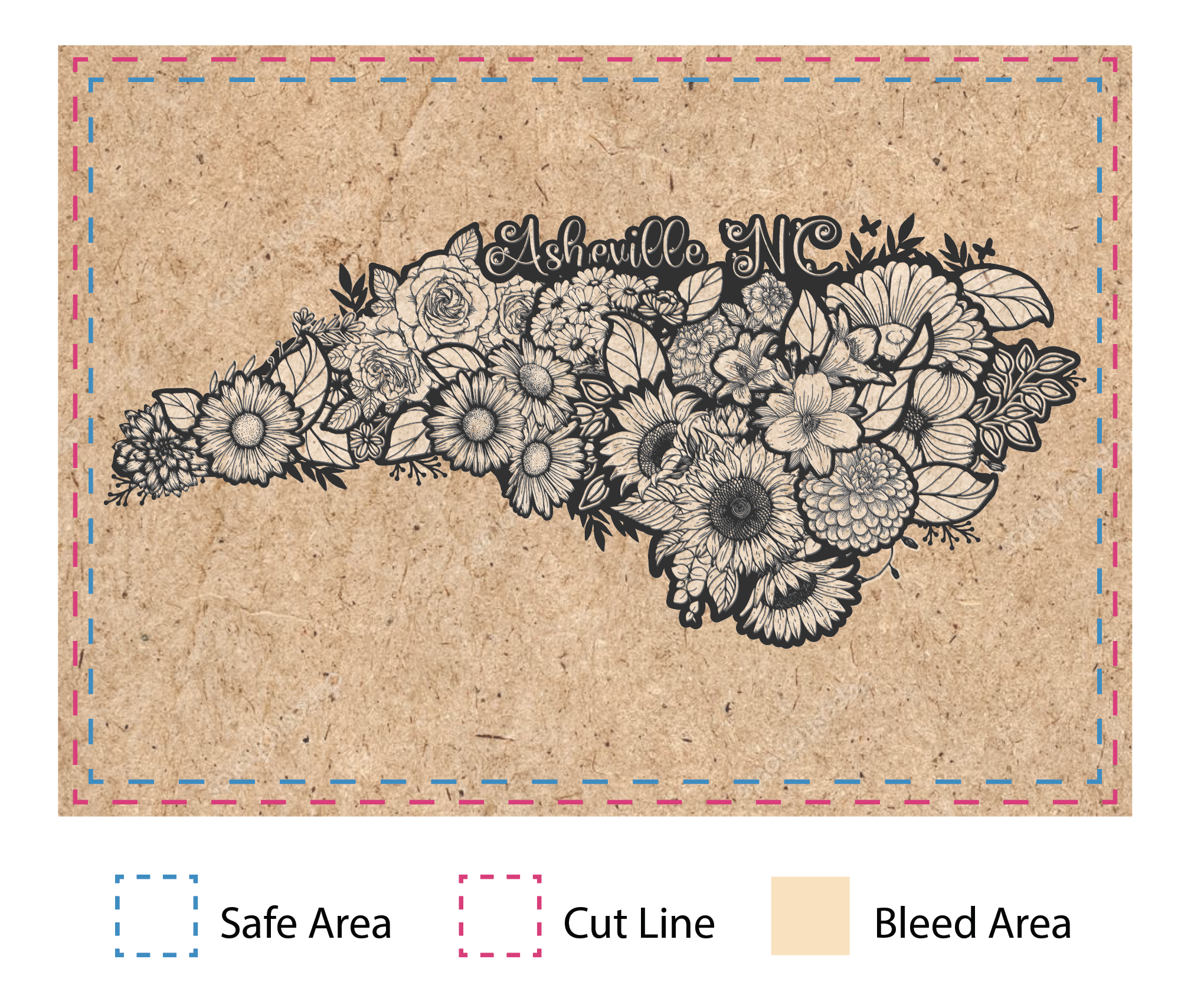
These three lines are the foundation of every print-ready file — getting them right is the difference between a clean edge-to-edge print and a job that gets flagged at proofing.
- Bleed area: extend artwork past the trim line so there's no white edge after cutting
- Trim line: the exact finished size of your piece
- Safe area: keep text and logos safely inside the trim line
- Standard bleed is 1/8" (0.125") on all sides for most products
Specialty Finishes
For pieces that need to make a statement, these upgrades add texture, shine, or a truly premium feel.

Painted Edge Cards
A bold color painted along the edge of thick cardstock.

Spot UV
Glossy UV coating applied only to specific design elements.

Raised Spot UV
Spot UV with extra thickness for a tactile, embossed-like effect.

Foil
Metallic foil stamped on for a reflective, premium accent.

Pearl
A subtle shimmer finish that catches the light as it moves.

Brown Kraft Paper
A natural, uncoated stock with an earthy, rustic look.
Folding Guide
The fold you choose changes how a piece feels to hold and how the content unfolds — especially useful to know before designing a brochure.
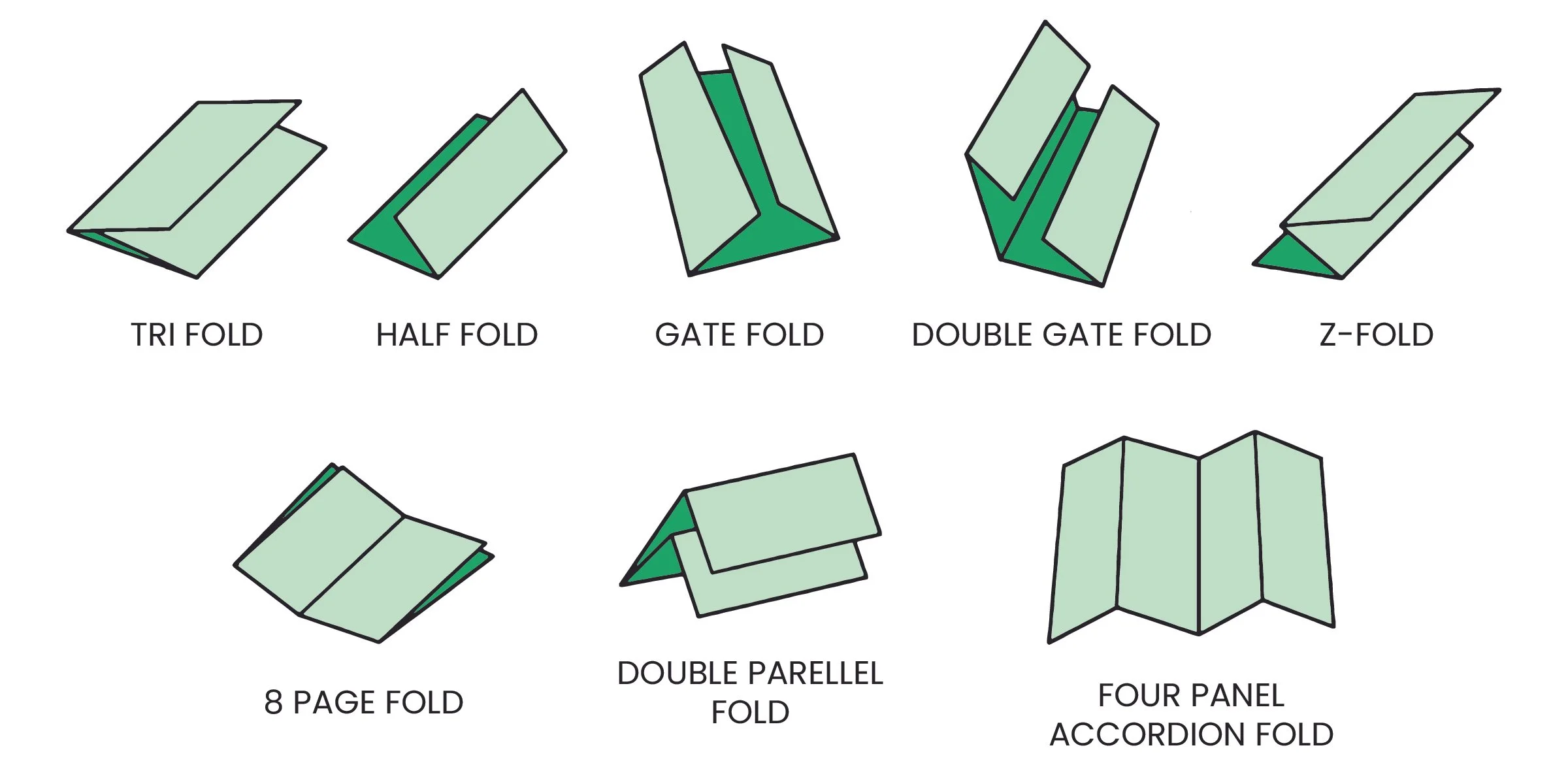
Half Fold
One fold down the middle, creating two panels.
Tri Fold
Two folds divide the piece into three even panels.
Z Fold
Folds in alternating directions like an accordion step.
Gate Fold
Both sides fold in to meet at the center, like doors.
Accordion Fold
Multiple parallel folds create a fan-like spread.
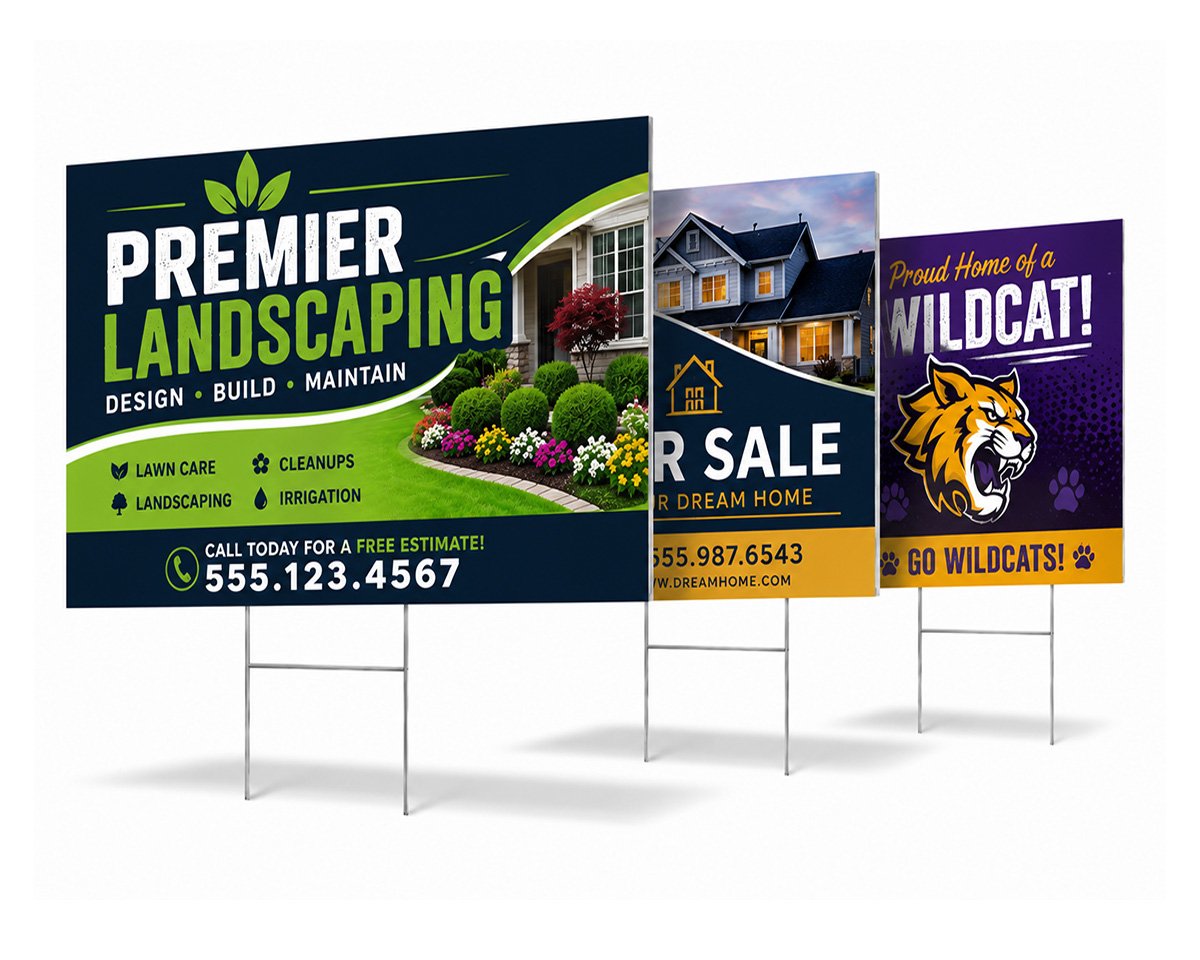
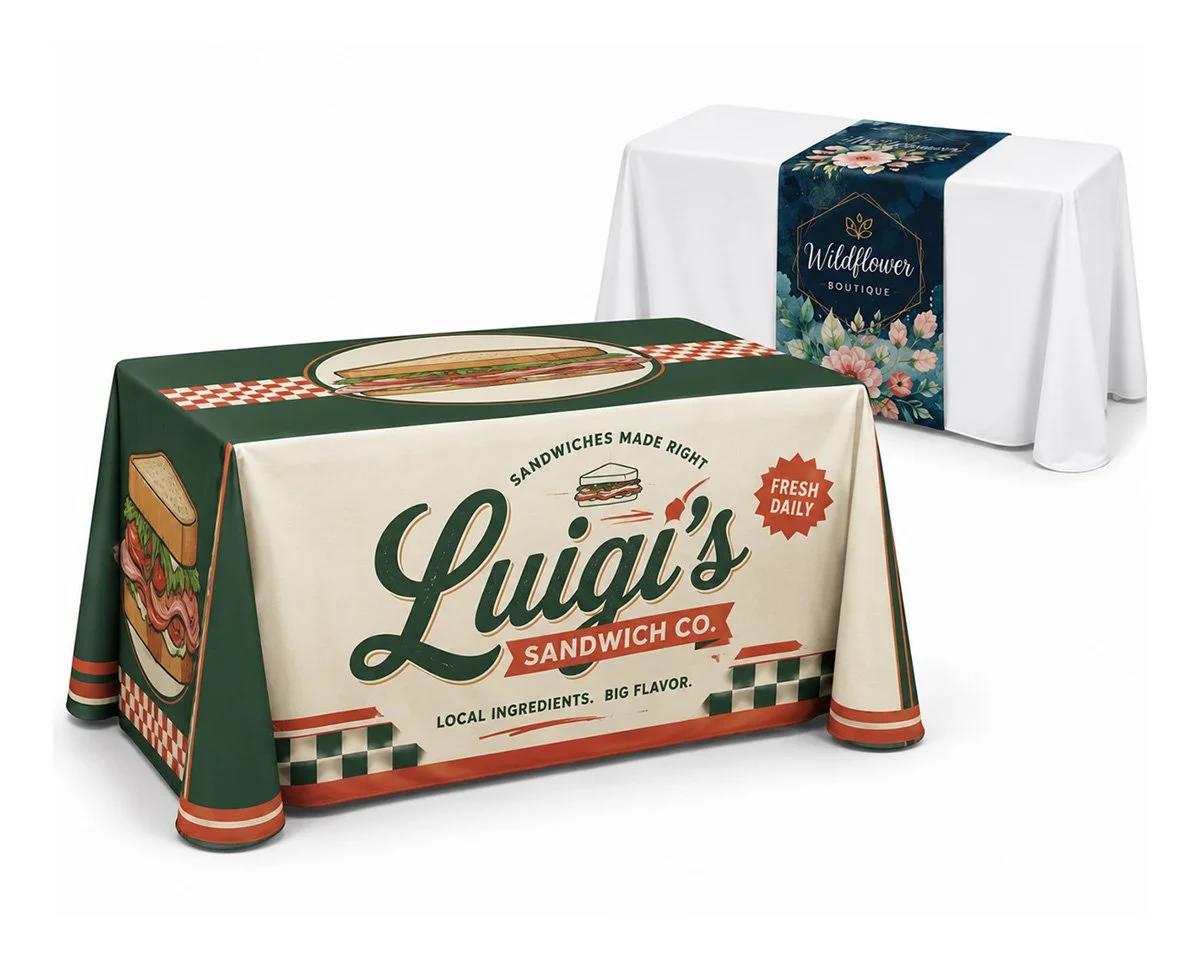
Large Format Printing
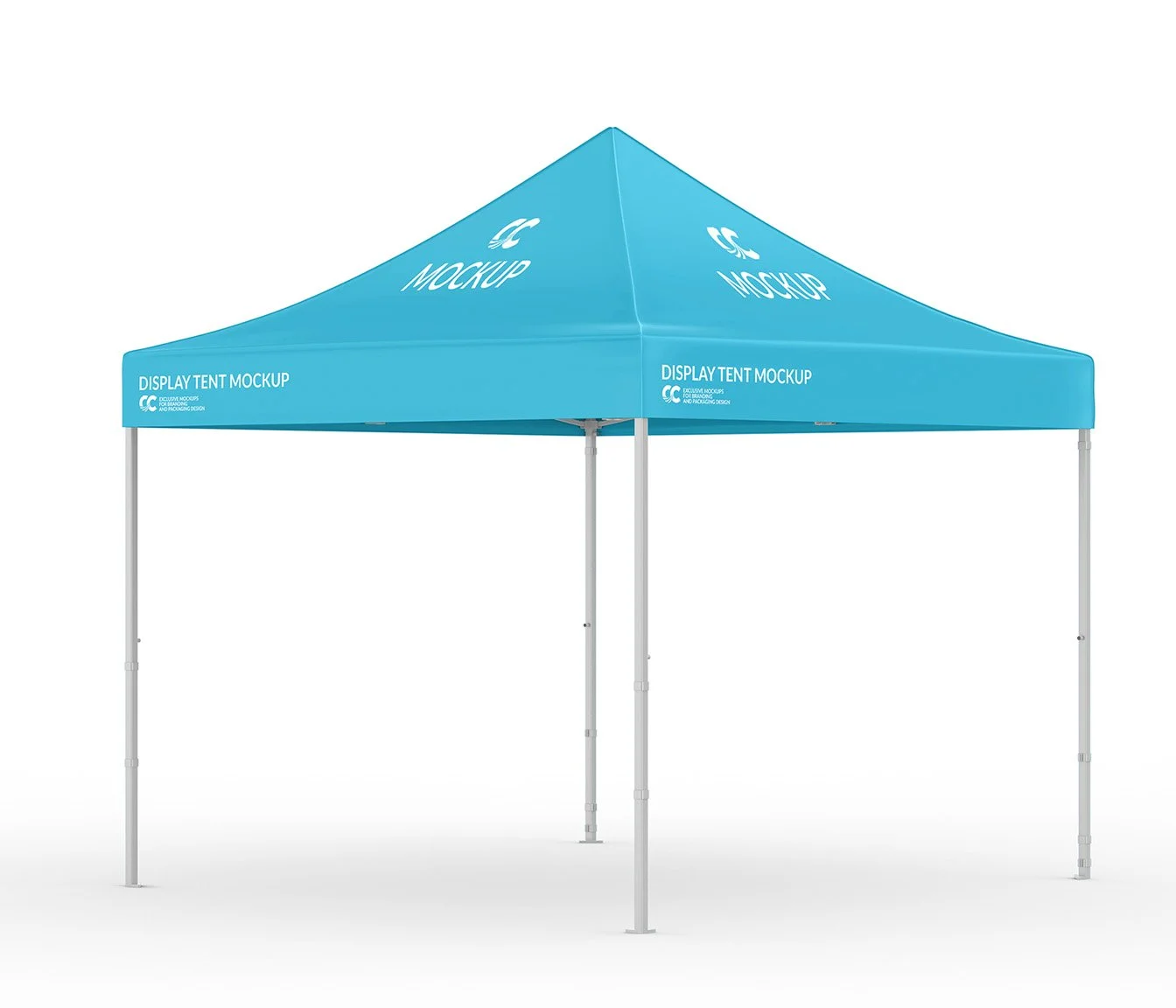
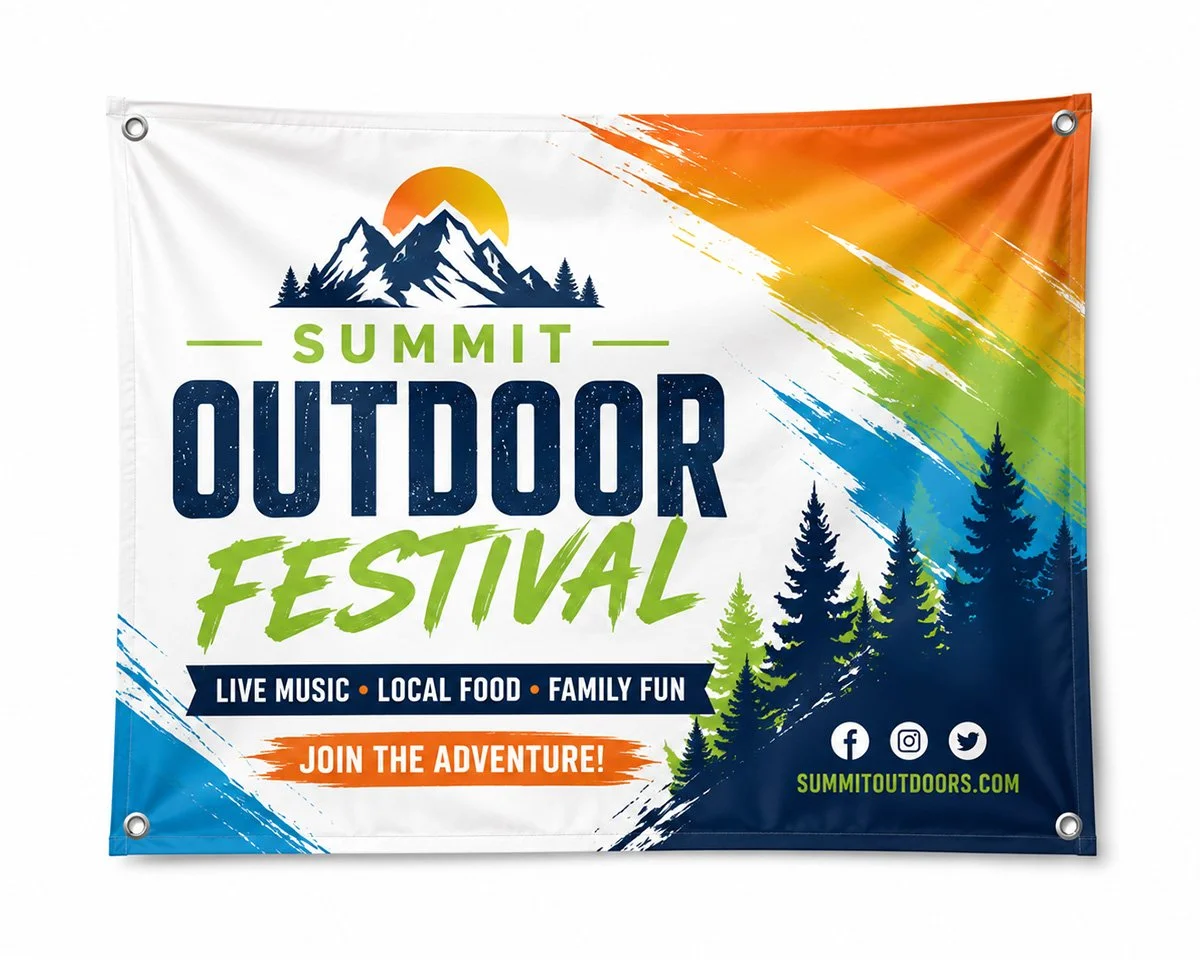
Big impact for trade shows, storefronts, and outdoor events — printed bigger and built tougher.

Common Sizes
| Format | Standard Size |
|---|---|
| Business Card | 3.5" × 2" |
| Postcard | 4" × 6" |
| Postcard (Large) | 6" × 9" |
| Flyer | 8.5" × 11" |
| Rack Card | 4" × 9" |
| Brochure (Tri-Fold, Flat) | 8.5" × 11" |
Need a Template?
Download free, print-ready templates for every size and product in this guide — pre-built with the correct bleed, trim, and safe area already in place.
Artwork Tips
- Design in CMYK, not RGB
- Use 300 DPI resolution or higher
- Include 0.125" bleed on all sides
- Keep text and logos inside the safe area
- Convert fonts to outlines or embed them
- Avoid rich black for small text — use 100% K instead

Frequently Asked Questions
Pound measures a ream's overall weight, while point measures the actual thickness of a single sheet — point is mostly used for cardstock.
Yes, rush production is available on most products for an additional fee — just let us know your deadline.
Print-ready PDFs work best. We also accept AI, EPS, and high-resolution JPG or PNG files.
We can get very close using CMYK builds, though exact Pantone matching depends on the original file. If your image was created in RGB rather than CMYK, we cannot guarantee an exact match because RGB only represents the digital world, not the physical print world.
Bleed is extra artwork that extends past the trim line so there's no white edge if the cut shifts slightly during production.
Yes, every order includes a digital proof for your approval before it goes to press.
Ready to Start Your Print Project?
Bring your ideas to life with premium print materials, expert finishing, and fast, reliable turnaround.
